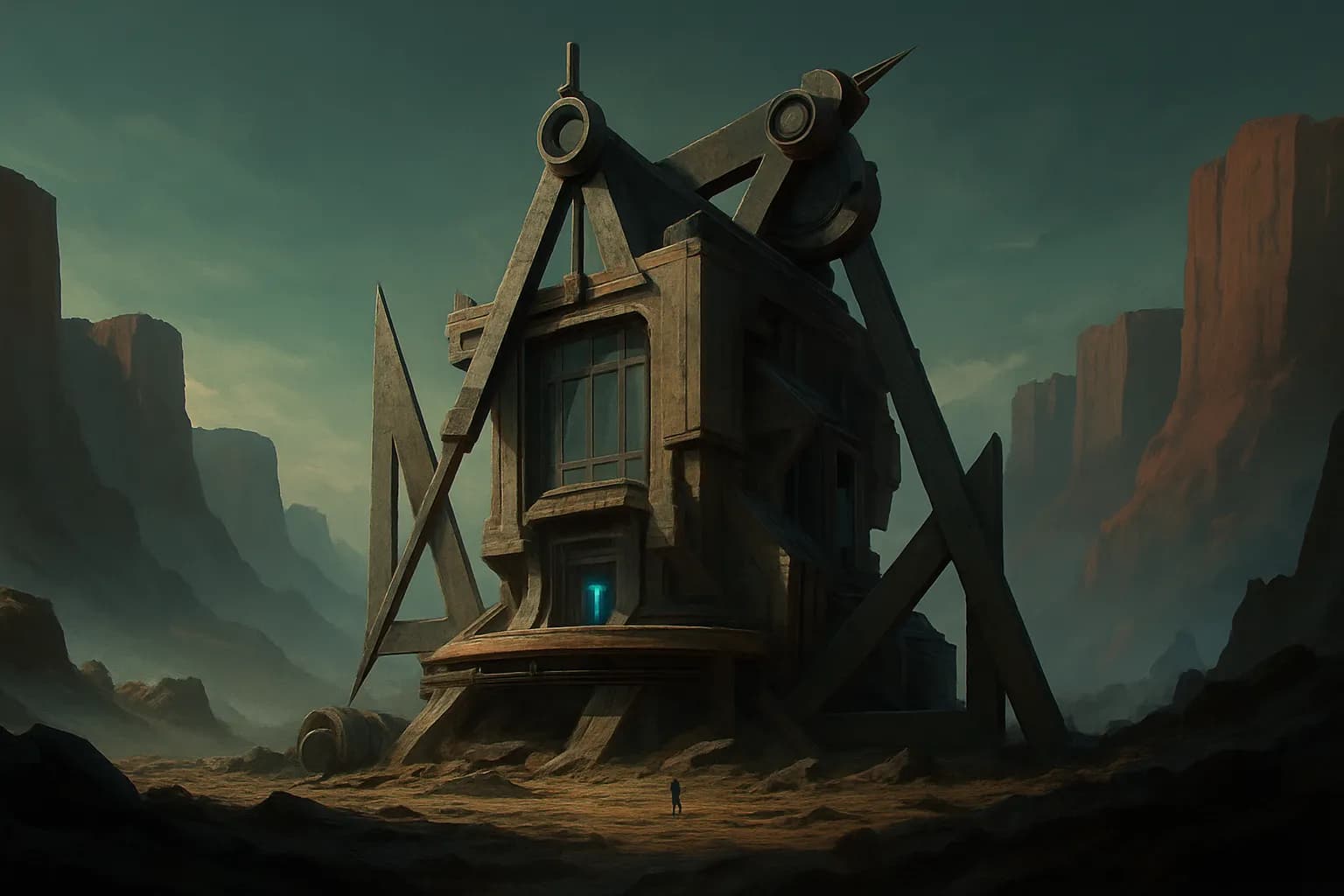
आर्किटेक्ट पोर्टफोलियो वेबसाइट टेम्पलेट
एक अच्छा आर्किटेक्ट पोर्टफोलियो वेबसाइट टेम्पलेट स्टूडियो को अपना बना हुआ काम साफ़ तरीके से दिखाने, अपनी प्रक्रिया समझाने, और सही क्लाइंट्स के लिए संपर्क करना आसान बनाने में मदद करना चाहिए। ज़्यादातर फर्मों के लिए साइट को एक मुख्य action सपोर्ट करना होता है: किसी प्रोजेक्ट, consultation, या studio visit के लिए एक serious inquiry। नीचे दिया गया टेम्पलेट Moremade के साथ एक क्लिक में एक असली, editable साइट बनाता है, ताकि आप उसे preview कर सकें, chat के जरिए copy और layout बदल सकें, और चाहें तो code export भी कर सकें।
आर्किटेक्चर स्टूडियो साइट पर विज़िटर क्या चाहते हैं
ज़्यादातर विज़िटर कुछ practical सवालों के जवाब जल्दी पाना चाहते हैं।
- यह स्टूडियो किस तरह के प्रोजेक्ट करता है
- क्या यह काम मेरे budget, scale, या building type के लिए relevant है
- practice कौन lead करता है और process कैसा है
- मैं contact कैसे करूँ और आगे क्या होगा
इसका मतलब है कि साइट पर finished projects जल्दी दिखने चाहिए, और उनमें इतना detail होना चाहिए कि work को सही से judge किया जा सके। Abstract statements से भरा homepage उतना उपयोगी नहीं होता जितना project types, locations, scope, और strong images की clear list।
Architecture के मामले में credibility अक्सर restraint और clarity से आती है। Clean navigation, readable project pages, और concise descriptions आमतौर पर dense marketing copy से बेहतर काम करते हैं।
कौन से pages और sections शामिल करें
एक solid architecture studio site को आमतौर पर कुछ छोटे लेकिन specific pages की ज़रूरत होती है, और हर page का अपना काम होना चाहिए।
- Home: short positioning statement, selected projects, practice overview, inquiry call to action
- Projects: residential, commercial, interiors, hospitality, या public work के हिसाब से filterable या grouped portfolio
- Project detail pages: photos, जहां appropriate हो drawings, location, size, completion year, services, short design summary
- About: studio story, principal या team bios, approach, collaborators, awards या press अगर relevant हो
- Process or Services: feasibility, concept design, planning, interiors, project delivery, consultation
- Contact: inquiry form, email, phone, studio address, map, और expected response time
अगर studio की कोई distinct specialism है, तो उसके लिए एक focused landing section जोड़ें। उदाहरण के लिए, townhouse renovations, workplace fit-outs, या coastal homes। इससे सही तरह के client के लिए clarity बेहतर हो सकती है।
इस तरह के business के लिए copy और photography tips
Architecture sites का success image quality और project framing पर निर्भर करता है। लंबे galleries में भरी हुई near-duplicates की बजाय कम लेकिन बेहतर images इस्तेमाल करें।
हर project के लिए वे details शामिल करें जिन्हें clients और collaborators वास्तव में scan करते हैं:
- project type
- location
- floor area या scale
- status या completion year
- services provided
- design problem और response पर एक छोटा paragraph
Copy concrete रखें। बड़े claims की बजाय constraints, brief, materials, planning context, light, circulation, sustainability decisions, या existing structure को कैसे adapt किया गया, यह बताएं।
Photography का tone और size consistent होना चाहिए। Wide shots, key interior views, और एक या दो detail images शामिल करें। अगर drawings, plans, या models काम समझाने में मदद करते हैं, तो उन्हें selectively जोड़ें। Accessibility और search के लिए हर image में useful alt text होना चाहिए।
कौन-कौन से features जोड़ना worthwhile है
सही features इस बात पर निर्भर करते हैं कि studio कैसे काम करता है, लेकिन कुछ चीजें आम तौर पर उपयोगी होती हैं।
- Inquiry form: project type, location, timeline, budget range, और short brief लें
- Map: अगर आप studio visits या local credibility चाहते हैं तो उपयोगी
- Email integration: inquiries को Resend या SendGrid के जरिए भेजें
- Payments: अगर आप paid consultations, discovery calls, या deposit-based services देते हैं, तो तय prices के साथ Stripe checkout जोड़ा जा सकता है
- Database and file handling: Supabase sign-in, saved inquiries, या client materials के लिए file uploads सपोर्ट कर सकता है
अगर studio शुरुआती सलाह sessions देता है, तो एक simple consultation flow अच्छा काम कर सकता है: service explanation, fixed fee, payment, फिर inquiry details। अगर नहीं, तो primary action को contact पर केंद्रित रखें, न कि ऐसी online booking को थोपें जो fit न बैठती हो।
इसे Moremade के साथ कैसे लॉन्च करें
Moremade में आप site का description plain language में देकर शुरू करते हैं। एक AI agent वेबसाइट को असली React और Tailwind code के रूप में generate करता है, और आप उसे live preview में review कर सकते हैं।
इसके बाद आप chat करके site बदल सकते हैं। Visual inspector से किसी element पर click करके उसे edit भी कर सकते हैं, या code view खोलकर सीधे काम कर सकते हैं। Paid plans पर version history उपलब्ध है।
जब site तैयार हो जाए, तो उसे एक free yourname.moremade.ai subdomain पर एक क्लिक में publish करें। Paid plans में custom domain connect किया जा सकता है, और domains Moremade के अंदर भी खरीदे जा सकते हैं। किसी भी समय, आप full source को ZIP के रूप में export कर सकते हैं या GitHub पर push कर सकते हैं।
Live जाने से पहले checklist
Publish करने से पहले basics check कर लें।
- सभी placeholder project names, dates, और locations बदलें
- हर page पर contact details सही हों
- inquiry form और email delivery test करें
- images compress करें ताकि project pages reasonably fast load हों
- home, projects, और contact pages के लिए page titles और meta descriptions लिखें
- project images में alt text जोड़ें
- mobile spacing, image cropping, और navigation check करें
- अगर custom domain इस्तेमाल कर रहे हैं, तो उसकी setup review करें
- अगर payments ले रहे हैं, तो Stripe prices और checkout links confirm करें
SEO basics के लिए, हर project page पर एक clear title, short descriptive intro, और readable URLs होने चाहिए। Key project information को सिर्फ images के अंदर न रखें।
प्रश्न
Moremade के साथ इस site को बनाने और चलाने में कितना खर्च आएगा?
Moremade का free plan $0 पर है, जिसमें हर 30 days में 10 Build Units, moremade.ai subdomain पर publishing, और ZIP export मिलता है। Usage Build Units में मापा जाता है; पहला site build लगभग 8 units लेता है और एक छोटा edit लगभग 1 unit। Paid plans Standard से शुरू होते हैं: $17/month billed yearly, या $20 monthly, जिसमें हर 30 days में 100 Build Units, custom domain support, private project hosting, और version history शामिल हैं।
क्या मैं architecture studio site के लिए अपना domain इस्तेमाल कर सकता हूँ?
हाँ। आप पहले एक free `yourname.moremade.ai` subdomain पर एक क्लिक में publish कर सकते हैं। Paid plans पर आप custom domain connect कर सकते हैं। Domains Moremade के अंदर भी खरीदे जा सकते हैं।
क्या मैं बाद में खुद site edit कर सकता हूँ?
हाँ। आप chat करके site बदल सकते हैं, visual inspector से किसी element को point करके edit कर सकते हैं, या code view में काम कर सकते हैं। Site real React + Tailwind code के रूप में generate होती है, और आप full source को ZIP के रूप में export कर सकते हैं या GitHub पर push कर सकते हैं।
क्या यह basic SEO के लिए उपयुक्त है?
हाँ, अगर आप content को सही ढंग से structure करते हैं। Architecture studio के लिए इसका मतलब आम तौर पर clear project pages, descriptive page titles, concise metadata, readable headings, images पर alt text, और आसानी से मिलने वाली contact information होता है। Moremade आपको editable site देता है, इसलिए first build के बाद आप copy और page structure refine कर सकते हैं।
क्या मैं site पर consultations जोड़ सकता हूँ या payments ले सकता हूँ?
हाँ, अगर यह आपके studio के selling model से match करता है। Moremade में built-in Stripe connector है, जिससे आप अपनी तय की हुई prices के साथ checkout जोड़ सकते हैं। यह paid consultations, discovery sessions, या deposits के लिए काम आ सकता है। General project inquiries के लिए contact form आम तौर पर बेहतर main action होता है।